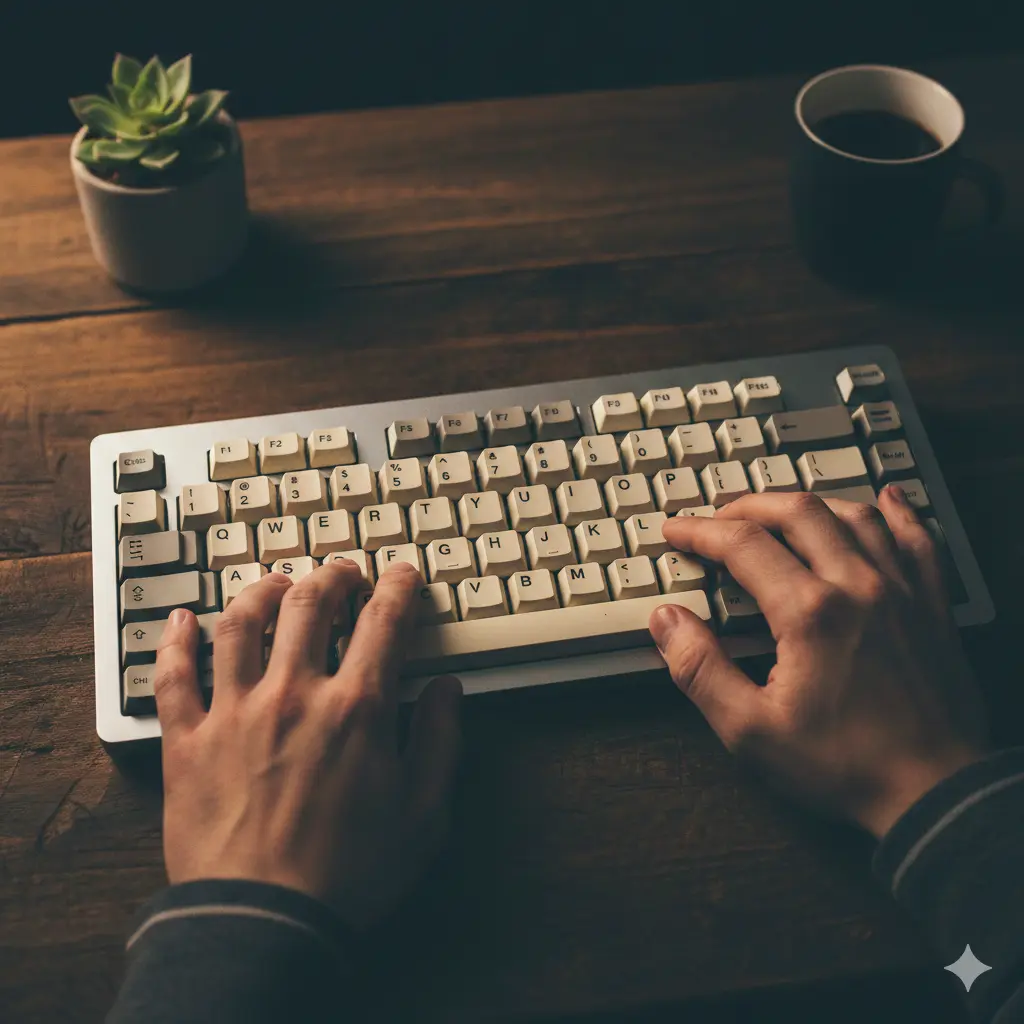
Maging bihasa sa pagta-type, Sa Iyong Paraan
Ang aming intelligent algorithm ay umaangkop sa iyong natatanging mga pangangailangan.
Hindi kailangan magrehistro • Magsimulang mag-improve agad
Lahat ng kailangan mo para maging bihasa sa pagta-type
Makapangyarihang mga tampok na idinisenyo para tulungan kang matuto nang mas mabilis at subaybayan ang iyong progreso.
Matalinong Pagpili ng Nilalaman
Sinusuri ng aming AI ang bawat pindot ng key at awtomatikong pumipili ng mga ehersisyong tumutugon sa iyong mahihinang bahagi.
19+ na Wika
Magpraktis sa English, German, Spanish, French, Italian, Portuguese, Russian, Chinese, Japanese, at iba pa.
Kahit Anong Layout ng Keyboard
QWERTY, AZERTY, Dvorak, Colemak, Workman. Ang awtomatikong pagtuklas ay nangangahulugang walang kailangang i-configure.
Mga Integrasyon ng AI
Ikonekta ang TypiTrain sa iyong mga paboritong AI assistant para pamahalaan ang nilalaman at tingnan ang mga analytics.
Malalim na Analytics
Katumpakan bawat key, mga trend sa bilis, kasaysayan ng session. Malalaman mo nang eksakto kung saan ka umuunlad.
Gumagana Kahit Saan
Desktop, laptop, o tablet. Ang responsive na disenyo ay umaangkop sa iyong device at paraan ng pag-input.
Maganda at madaling gamitin na disenyo
Iayos ang typitrain para gumana ayon sa gusto mo. Pumili ng horizontal o vertical na layout ng teksto, i-customize ang estilo ng caret (underline, linya, block, o outline), at magtakda ng limitasyon sa praktis ayon sa oras o bilang ng mga pindot. Puwede mong i-on o i-off ang sound feedback, i-configure ang paghawak ng error (itigil sa error o ipagpatuloy), at i-adjust ang mga setting ng visualisasyon ng keyboard.
Piliin ang pahalang o patayong layout, i-customize ang istilo ng caret, magtakda ng limitasyon sa praktis ayon sa oras o bilang ng tiktak, paganahin ang audio feedback, at isaayos ang paghawak ng mga error.

Mga Salita
Gumawa ng pagsasanay sa mga salita mula sa mga key na pipiliin mo. Pinipili ang mga tumutugmang salita mula sa wordlist at inuuna ayon sa kahinaan mo sa mga partikular na key.

Personal
Gumawa ng sarili mong ehersisyo gamit ang pasadyang teksto. Mainam para magsanay ng partikular na nilalaman o bokabularyo.
Pamamahagi ng Bilis ng Pagta-type
Batay sa 30,000 session ng pagta-type mula sa dataset ng Aalto University
Magsimulang Mag-improve sa Ilang Segundo
Walang setup na kailangan - magsimulang mag-type na lang
Hindi Kailangan ng Account
Magsimula agad sa pagta-type — walang signup, walang login, walang abala. Ang iyong progreso ay awtomatikong nasusave sa iyong browser gamit ang secure local storage, kaya maaari kang magpatuloy kung saan ka huling tumigil. Lahat ng iyong kasaysayan ng ehersisyo, estadistika, at mga achievement ay nakaimbak nang lokal at agad na magagamit pagbalik mo.
Gumagana Kahit Saan. Gusto mong ma-sync sa iba't ibang device? Gumawa lang ng libreng account kapag handa ka na, at ililipat namin ang lahat ng iyong data nang seamless. Hindi kailangang mag-download. Gumagana ito sa desktop, laptop, o tablet na may responsive na disenyo na nag-aangkop sa iyong device at paraan ng pag-input, kaya makakapagsimula ka ng libreng online na praktis ng pag-type direkta sa iyong browser.
Awtomatikong Pag-detect
Magsimulang Mag-type, Diin namin ang Layout
Ang aming awtomatikong pag-detect ng keyboard ay nangangahulugang walang kailangang i-configure. Magsimulang mag-type at malalaman ng typitrain ang tamang layout para sa iyo.
Kung ang iyong keyboard ay hindi sumusuporta sa ilang mga karakter, awtomatikong nilalaktawan ng aming smart detection ang mga iyon para hindi ka maipit. Maaari mo ring mano-manong laktawan ang mga hindi suportadong karakter kung kailangan, na tinitiyak ang maayos na karanasan sa pag-type kahit ano pa ang iyong setup.
Suporta sa Iba't ibang Keyboard
Sagut-saguting Mga Layout, Isang Daloy ng Pag-type
Sinusuportahan namin ang daan-daang keyboard layout kabilang ang QWERTY, AZERTY, QWERTZ, Dvorak, Colemak, Workman, at maraming internasyonal na variant.
Kung ikaw man ay nag-aaral ng touch typing, nagpapraktis ng 10-finger keyboard skills, o lumilipat-lipat sa pagitan ng internasyonal na mga layout, makakatulong ang visual na keyboard assistance para matutunan ang tamang posisyon ng mga daliri sa pamamagitan ng interactive on-screen guidance. Ipakita o itago ang mga finger zone, mga indikador ng mastery, focus keys, at mga target na key base sa iyong kagustuhan at antas ng kasanayan.
Mag-practice gamit ang nilalamang bagay sa iyo
Mula sa AI-generated na mga ehersisyo hanggang sa curated na mga kwento — mag-practice gamit ang materyal na pananatiling interesado ka. 19+ na Wika. Magpraktis sa English, German, Spanish, French, Italian, Portuguese, Russian, Chinese, Japanese, at iba pa.
Matalinong Pagbuo ng Nilalaman
Ikonekta ang iyong AI assistant para makabuo ng personalized na mga ehersisyo sa pag-type. Inaanalisa ng AI ang iyong mga mahihinang key at gumagawa ng mga kwento, teknikal na teksto, o drills sa bokabularyo na nakaangkop sa iyo.
Ang pinakamadaling paraan para magsimula ay magtanong nang direkta. Kung sinusuportahan ng iyong assistant ang MCP o remote MCP servers, kadalasan maaari itong kumonekta sa TypiTrain at gumamit ng iyong totoong datos imbes na pangkalahatang payo sa pagta-type. Kopyahin ang MCP link at i-paste ito kung saan hinihingi ng AI app mo ang server URL. Para sa mga estudyante at indibidwal na gumagamit, ang pinakamalakas na gamit ay simple. Hayaan ang assistant na tingnan ang iyong kamakailang TypiTrain context, tukuyin ang mga key na kailangan pa ng pagsasanay, at gawing agad na praktis iyon.
Habang mas lalong nagpa-practice ka, mas nagiging matalino ang aming algorithm. Natutunan nito ang iyong mga pattern sa pag-type, tinutukoy ang iyong mahihinang bahagi, at awtomatikong bumubuo ng mga ehersisyo na hamon sa iyo sa tamang antas. Ang personalized na paraang ito ay tumutulong na mas mabilis kang umunlad habang pinananatiling kawili-wili at epektibo ang pag-practice.
Mga Kwento at Pasadyang Ehersisyo
Magpraktis gamit ang nakakakapit na mga kwento o gumawa ng sarili mong ehersisyo. Idikit ang anumang teksto na nais mong pagpraktisan — mga artikulo, code snippets, o mga sipi. Awtomatikong sinasala ng aming sistema ang mga hindi sinusuportahang karakter batay sa layout ng iyong keyboard.
Mula sa maiikling kuwento hanggang sa mas mahabang naratibo, ginagawang mas masaya ng story mode ang pag-practice habang pinapabilis mo ang iyong tunay na bilis at katumpakan. Maingat na sinasala ang aming mga listahan ng salita upang alisin ang hindi angkop na nilalaman, kaya ligtas ang typitrain para sa lahat ng edad at kapaligiran.
Makita ang iyong pag-unlad
Lampasan ang pangkaraniwang WPM. Subaybayan ang katumpakan bawat key, mga trend sa bilis sa paglipas ng panahon, at detalyadong kasaysayan ng session. Tingnan kung aling mga daliri ang pinakamalakas at ihambing ang iba't ibang pagsubok upang masukat ang iyong pag-unlad.
Subaybayan ang Bawat Detalye
Detalyadong estadistika para sa bawat ehersisyo, bawat susi, at bawat session. Panoorin ang tumaas na WPM at pagbuti ng iyong katumpakan sa paglipas ng panahon.
Magpatakbo ng mabilisang pagsusuri ng bilis ng pagta-type, ihambing ang resulta ng 1-minutong pagsusulit sa pagta-type, at sundan ang pangmatagalang mga trend ng WPM at katumpakan habang mas mabilis at mas consistent ang iyong touch typing.
Estadistika bawat-susi at bawat-daliri
Mga rate ng error, bilang ng pagpindot, at karaniwang oras ng pagtugon para sa bawat susi. Tingnan kung aling mga daliri ang pinakamalakas at alin ang nangangailangan pa ng pagsasanay.
Pag-unlad sa paglipas ng panahon
Ipinapakita ng heat map ang iyong katumpakan para sa bawat susi, habang ang mga trend ng bilis at katumpakan ay tumutulong makita ang pagbuti at paghahambing ng mga session nang magkatabi.
Historya na pinangungunahan ng lokal
Lokal na naka-imbak sa iyong browser ang lahat ng datos. Maaaring ipagpatuloy anumang oras, hindi mawawala ang iyong progreso, at hindi kailangan ng account.
Mga Nakamit at Badge
Manatiling motivated gamit ang aming sistema ng achievements. Kumita ng mga badge para sa pag-abot ng mga milestone tulad ng pagkuha ng 60 WPM, pagpapanatili ng 95% na katumpakan, pagkumpleto ng iyong unang kwento, o pag-practice nang 7 araw sunud-sunod. Subaybayan ang iyong progreso at ipagdiwang ang iyong mga pag-unlad habang bumubuo ng regular na gawi sa pag-type.
Mga Madalas na Tanong
Lahat ng kailangan mong malaman
Oo! Lahat ng pangunahing tampok ay ganap na libre. Walang nakatagong gastos, walang premium tier, walang ads.
Hindi kailangan ng account para magsimulang mag-practice. Gayunpaman, ang paggawa ng libreng account ay nagbibigay-daan sa'yo na i-save ang iyong progreso at ma-access ito mula sa anumang device.
Sinusuportahan namin ang QWERTY, AZERTY, Dvorak, Colemak, QWERTZ, at marami pang international na layout kabilang ang Russian, Japanese, at Arabic.
Mas mainam ang pag-eensayo ng pagta-type gamit ang physical na keyboard, pero gumagana ang aming responsive na disenyo sa tablets. Para sa pinakamahusay na karanasan, inirerekomenda naming gumamit ng desktop o laptop.
Magsimulang Mag-type nang Mas Mabuti Ngayon
Walang signup, walang credit card, walang palusot. Kayó at ang inyong keyboard lang.