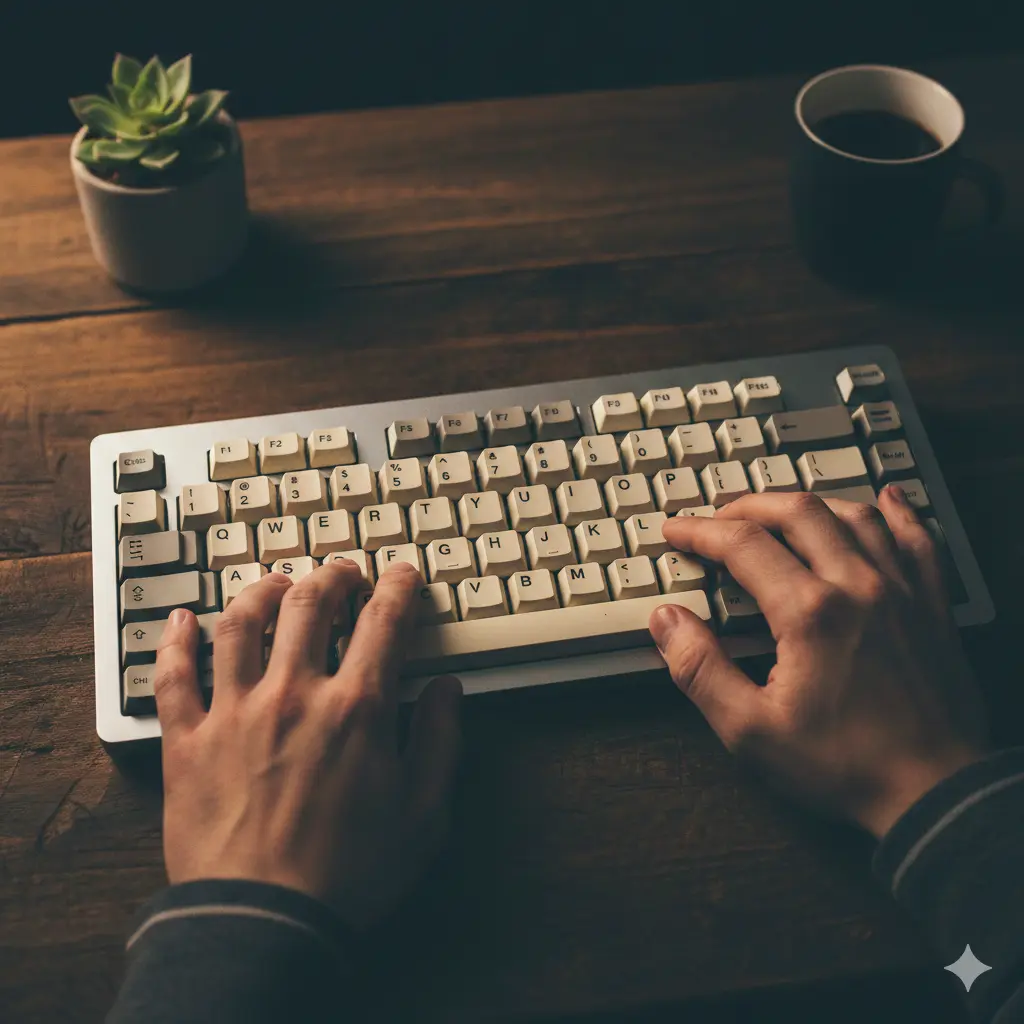
Maîtrisez la frappe, à votre façon
Notre algorithme intelligent s'adapte à vos besoins uniques.
Aucune inscription requise • Commencez à progresser immédiatement
Tout ce dont vous avez besoin pour maîtriser la frappe
Des fonctionnalités puissantes conçues pour vous aider à apprendre plus vite et suivre vos progrès.
Sélection de contenu intelligente
Notre IA analyse chaque frappe et sélectionne automatiquement des exercices ciblant vos points faibles.
19+ langues
Entraînez-vous en anglais, allemand, espagnol, français, italien, portugais, russe, chinois, japonais, et bien d'autres.
Tous les agencements de clavier
QWERTY, AZERTY, Dvorak, Colemak, Workman. La détection automatique évite toute configuration.
Intégrations IA
Connectez TypiTrain à vos assistants IA préférés pour gérer le contenu et consulter les analyses.
Analytique avancée
Précision par touche, tendances de vitesse, historique des sessions. Sachez exactement où vous progressez.
Fonctionne partout
Bureau, ordinateur portable ou tablette. Le design adaptatif s'ajuste à votre appareil et à votre méthode de saisie.
Design élégant et intuitif
Faites fonctionner typitrain exactement comme vous le souhaitez. Choisissez entre affichage de texte horizontal ou vertical, personnalisez le style du curseur (souligné, ligne, bloc ou contour) et définissez des limites de pratique par durée ou par nombre de frappes. Activez ou désactivez les retours sonores, configurez la gestion des erreurs (arrêt sur erreur ou continuer) et ajustez les paramètres de visualisation du clavier.
Choisissez une disposition horizontale ou verticale, personnalisez le style du curseur, définissez des limites de pratique par durée ou par frappes, activez les retours sonores et configurez la gestion des erreurs.

Mots
Générez un exercice de mots à partir des touches que vous sélectionnez. Les mots correspondants sont choisis dans la liste de mots et priorisés selon les faiblesses que vous avez sur ces touches.
Personnalisé
Créez votre propre exercice avec un texte personnalisé. Idéal pour pratiquer un contenu ou un vocabulaire spécifique.
Distribution des vitesses de frappe
D'après 30 000 sessions de frappe provenant du jeu de données de l'université Aalto
Améliorez‑vous en quelques secondes
Aucun réglage requis — commencez simplement à taper
Aucun compte requis
Commencez à taper immédiatement : pas d'inscription, pas de connexion, pas de tracas. Votre progression est automatiquement sauvegardée dans votre navigateur via un stockage local sécurisé, vous pouvez donc reprendre exactement là où vous vous êtes arrêté à tout moment. Tout votre historique d'exercices, vos statistiques et vos réalisations sont stockés localement et disponibles instantanément à votre retour.
Fonctionne partout. Vous souhaitez synchroniser vos données entre plusieurs appareils ? Créez simplement un compte gratuit quand vous le souhaitez et nous transférerons toutes vos données sans effort. Pas de téléchargement nécessaire. L'application fonctionne sur ordinateur de bureau, portable ou tablette grâce à un design responsive qui s'adapte à votre appareil et à votre méthode d'entrée, vous permettant de commencer des exercices de frappe gratuits directement dans votre navigateur.
Détection automatique
Commencez à taper, nous détectons la disposition
Notre détection automatique du clavier supprime toute configuration nécessaire. Il suffit de commencer à taper et typitrain reconnaît la bonne disposition pour vous.
Si votre clavier ne prend pas en charge certains caractères, notre détection intelligente les ignore automatiquement pour que vous ne restiez jamais bloqué. Vous pouvez aussi passer manuellement les caractères non pris en charge si besoin, garantissant une expérience de frappe fluide quel que soit votre matériel.
Prise en charge universelle des claviers
Des centaines de dispositions, un seul flux de frappe
Nous prenons en charge des centaines de dispositions de clavier, notamment QWERTY, AZERTY, QWERTZ, Dvorak, Colemak, Workman et de nombreuses variantes internationales.
Que vous appreniez la frappe tactile, que vous pratiquiez la saisie à dix doigts ou que vous changiez entre des dispositions internationales, l'aide visuelle du clavier vous guide pour adopter le bon placement des doigts avec des indications interactives à l'écran. Affichez ou masquez les zones de doigts, les indicateurs de maîtrise, les touches de focus et les touches ciblées selon vos préférences et votre niveau.
Exercez-vous avec du contenu adapté
Des exercices générés par IA aux histoires sélectionnées : exercez-vous avec du matériel qui vous maintient engagé. 19+ langues. Entraînez-vous en anglais, allemand, espagnol, français, italien, portugais, russe, chinois, japonais, et bien d'autres.
Génération intelligente de contenu
Connectez votre assistant IA pour générer des exercices de frappe personnalisés. L'IA analyse vos touches faibles et crée des histoires, textes techniques ou exercices de vocabulaire adaptés à vos besoins.
Le moyen le plus simple de commencer est de demander directement. Si votre assistant prend en charge MCP ou des serveurs MCP distants, il peut généralement se connecter à TypiTrain et travailler avec vos données réelles plutôt que de fournir des conseils de frappe génériques. Copiez le lien MCP et collez-le là où votre application d’IA demande l’URL du serveur. Pour les élèves et les utilisateurs individuels, le cas d’usage le plus pertinent est simple. Laissez l’assistant analyser votre contexte TypiTrain récent, identifier les touches qui nécessitent encore du travail et en faire quelque chose que vous pouvez pratiquer immédiatement.
Plus vous vous entraînez, plus notre algorithme devient performant. Il apprend vos habitudes de frappe, identifie vos points faibles et génère automatiquement des exercices qui vous challengent au niveau approprié. Cette approche personnalisée vous aide à progresser plus rapidement tout en rendant la pratique engageante et efficace.
Histoires et exercices personnalisés
Entraînez-vous avec des histoires captivantes ou créez vos propres exercices. Collez n'importe quel texte à pratiquer — articles, extraits de code ou citations. Notre système filtre automatiquement les caractères non pris en charge en fonction de votre agencement de clavier.
Des contes courts aux récits plus longs, notre mode histoire rend la pratique de la frappe agréable tout en développant votre vitesse et votre précision réelle. Nos listes de mots sont soigneusement filtrées pour exclure les contenus inappropriés, ce qui rend typitrain sûr pour tous les âges et tous les environnements.
Voyez vos progrès
Allez au‑delà des WPM de base. Suivez la précision par touche, les tendances de vitesse dans le temps et l'historique détaillé des sessions. Voyez quelles sont vos doigts les plus forts et comparez différentes sessions pour mesurer vos progrès.
Suivez chaque détail
Statistiques détaillées pour chaque exercice, chaque touche et chaque session. Voyez votre vitesse en MPM augmenter et votre précision s'améliorer au fil du temps.
Effectuez des vérifications rapides de vitesse de frappe, comparez les résultats de tests de 1 minute et suivez les tendances de MPM et de précision sur le long terme à mesure que votre dactylographie devient plus rapide et plus régulière.
Statistiques par touche et par doigt
Taux d'erreur, comptages d'appuis et temps de réponse moyens pour chaque touche. Voyez quels doigts sont les plus forts et lesquels demandent encore du travail.
Progrès au fil du temps
Des cartes de chaleur montrent votre précision par touche, tandis que les tendances de vitesse et de précision vous aident à visualiser l'amélioration et à comparer les sessions côte à côte.
Historique local d'abord
Toutes vos données sont stockées localement dans votre navigateur. Reprenez à tout moment, ne perdez jamais la trace de votre progression et aucun compte n'est requis.
Succès et badges
Restez motivé grâce à notre système de récompenses. Gagnez des badges en atteignant des objectifs tels que 60 MPM, maintenir 95 % de précision, terminer votre première histoire ou vous entraîner 7 jours d'affilée. Suivez vos progrès et célébrez vos améliorations en développant des habitudes de frappe régulières.
Questions fréquentes
Tout ce qu'il faut savoir
Oui ! Toutes les fonctionnalités de base sont entièrement gratuites. Pas de coûts cachés, pas de formule premium, pas de publicités.
Aucun compte n'est requis pour commencer à vous entraîner. Cependant, créer un compte gratuit vous permet d'enregistrer vos progrès et d'y accéder depuis n'importe quel appareil.
Nous prenons en charge QWERTY, AZERTY, Dvorak, Colemak, QWERTZ et de nombreuses dispositions internationales, y compris russe, japonais et arabe.
Bien que la pratique soit optimale avec un clavier physique, notre design responsive fonctionne sur tablettes. Pour la meilleure expérience, nous recommandons un ordinateur de bureau ou un portable.
Commencez à mieux taper dès aujourd'hui
Pas d'inscription, pas de carte bancaire, pas d'excuses. Juste vous et votre clavier.